Admin panel
Create accounts and packages, then explore server status, backups and vulnerability alerts.
Try the admin panel (opens in a new tab)Sites, email, DNS, apps, backups and security in two panels: a user panel for your customers and an admin panel for you.
The Community edition is free for up to 3 accounts. No license, no card.

For a new server we recommend Ubuntu 24.04 LTS: the widest package and repository support, with security updates until 2029. If you prefer the Red Hat family, choose AlmaLinux 9: SELinux in enforcing mode, supported until 2032. Both run the same panel with the same features.
The script downloads the package, verifies its SHA-256 hash, and sets up the web server, PHP, MariaDB, email, DNS, the firewall and SSL. On Enterprise Linux, SELinux stays in enforcing mode.
curl -fsSL https://bipanel.io/install.sh | sudo bash -s -- --hostname server.example.com --email [email protected]curl -fsSL https://bipanel.io/install.sh | sudo bash -s -- --hostname server.example.com --email [email protected]
==> Fetching release info (stable)…
==> Downloading bipanel 0.4.13…
==> Verified (SHA-256)
==> Preflight checks
✓ Operating system: AlmaLinux 9.4 (Seafoam Ocelot)
==> Installing Apache
==> Installing PHP-FPM: 8.2 8.3 8.4
==> Installing MariaDB
==> Installing Node.js 22
==> Installing the mail server (Postfix, Dovecot, OpenDKIM)
==> Installing the BIND9 DNS server
==> Configuring the firewalld firewall
==> Defining SELinux rules (Enforcing)
==> Configuring bipanel
✓ Server admin: https://srv1.example.com:2087/admin
Your customers manage their own accounts; you manage the server, packages and resellers. One click takes you into a customer's panel to see exactly what they see.
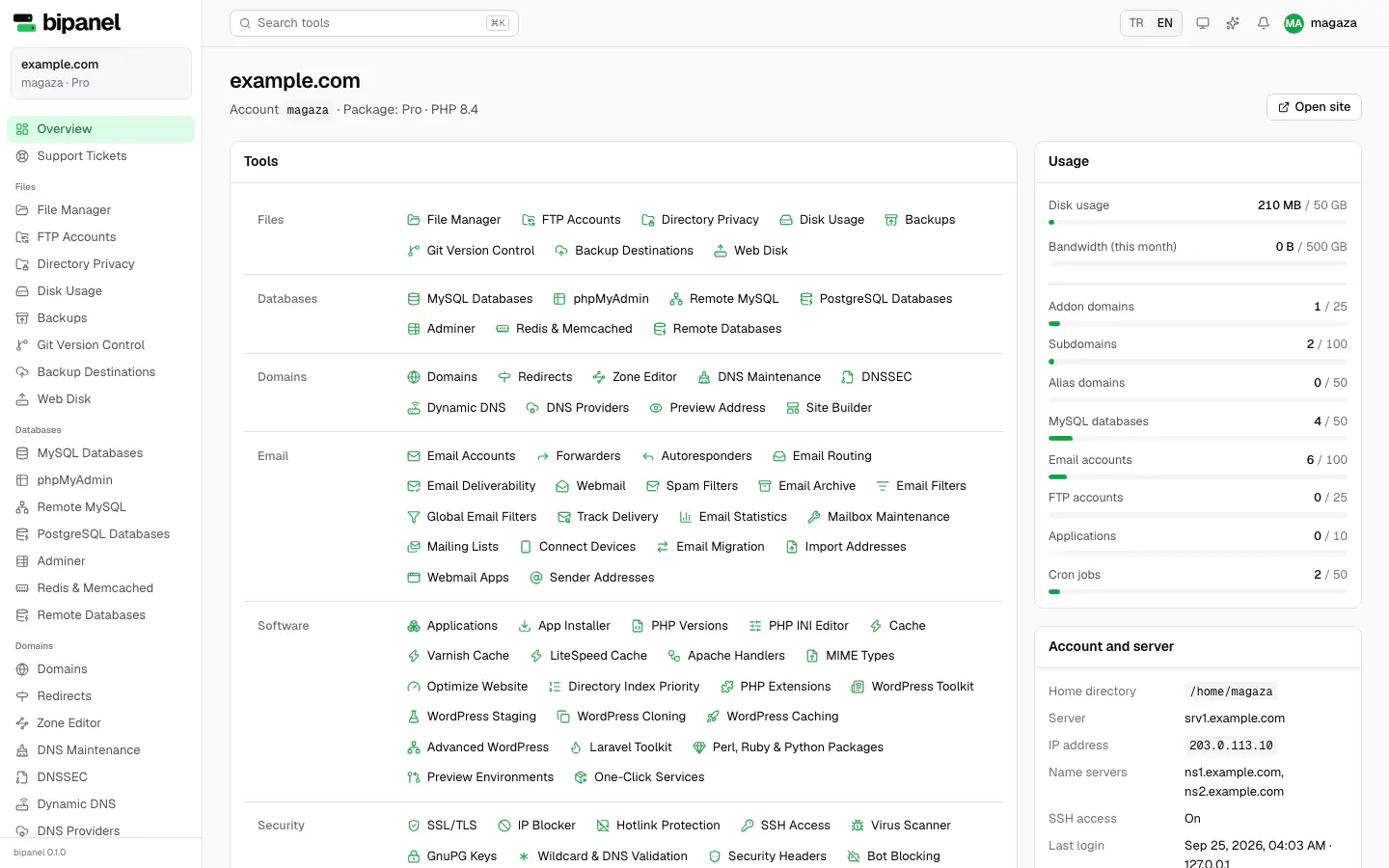
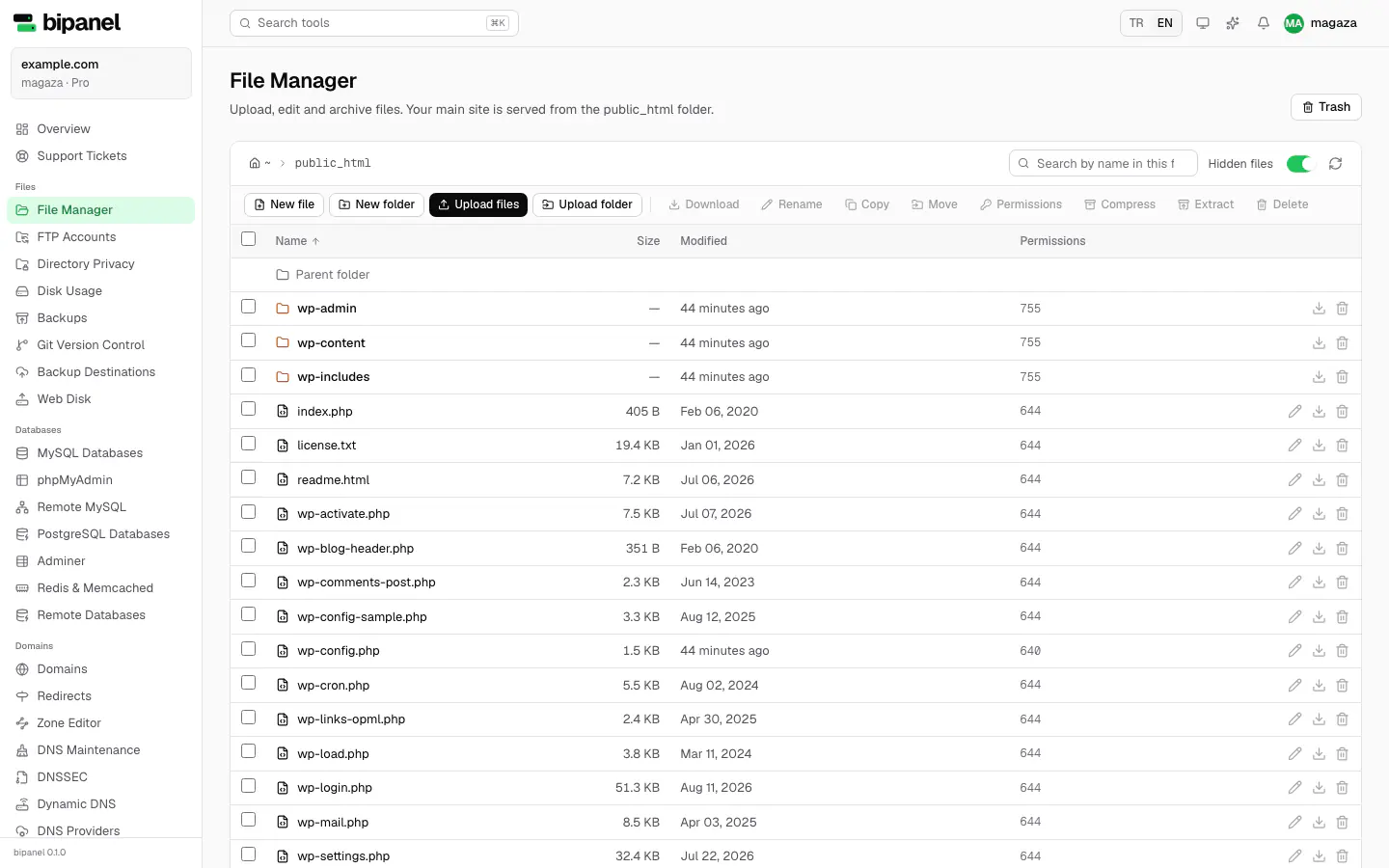
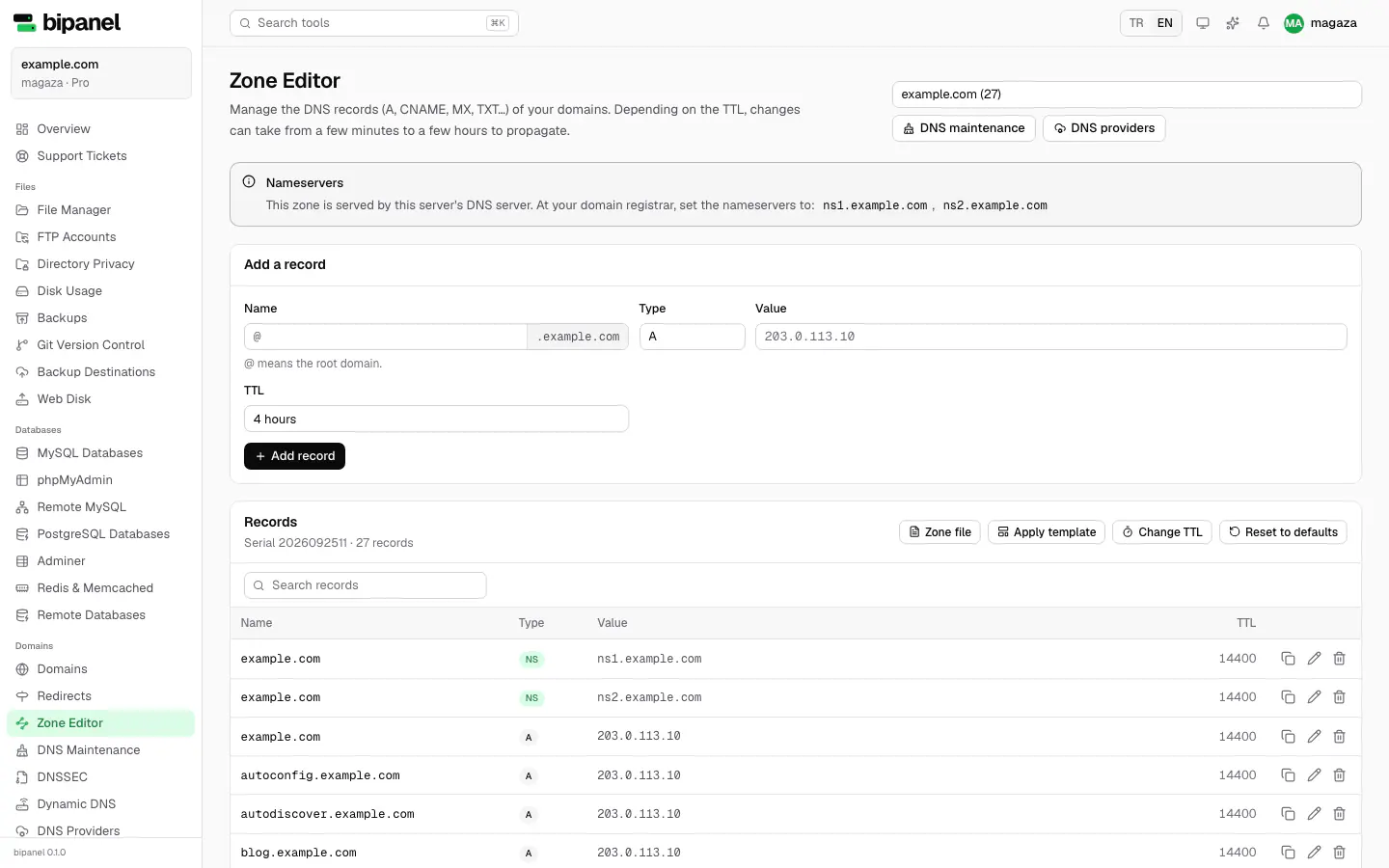
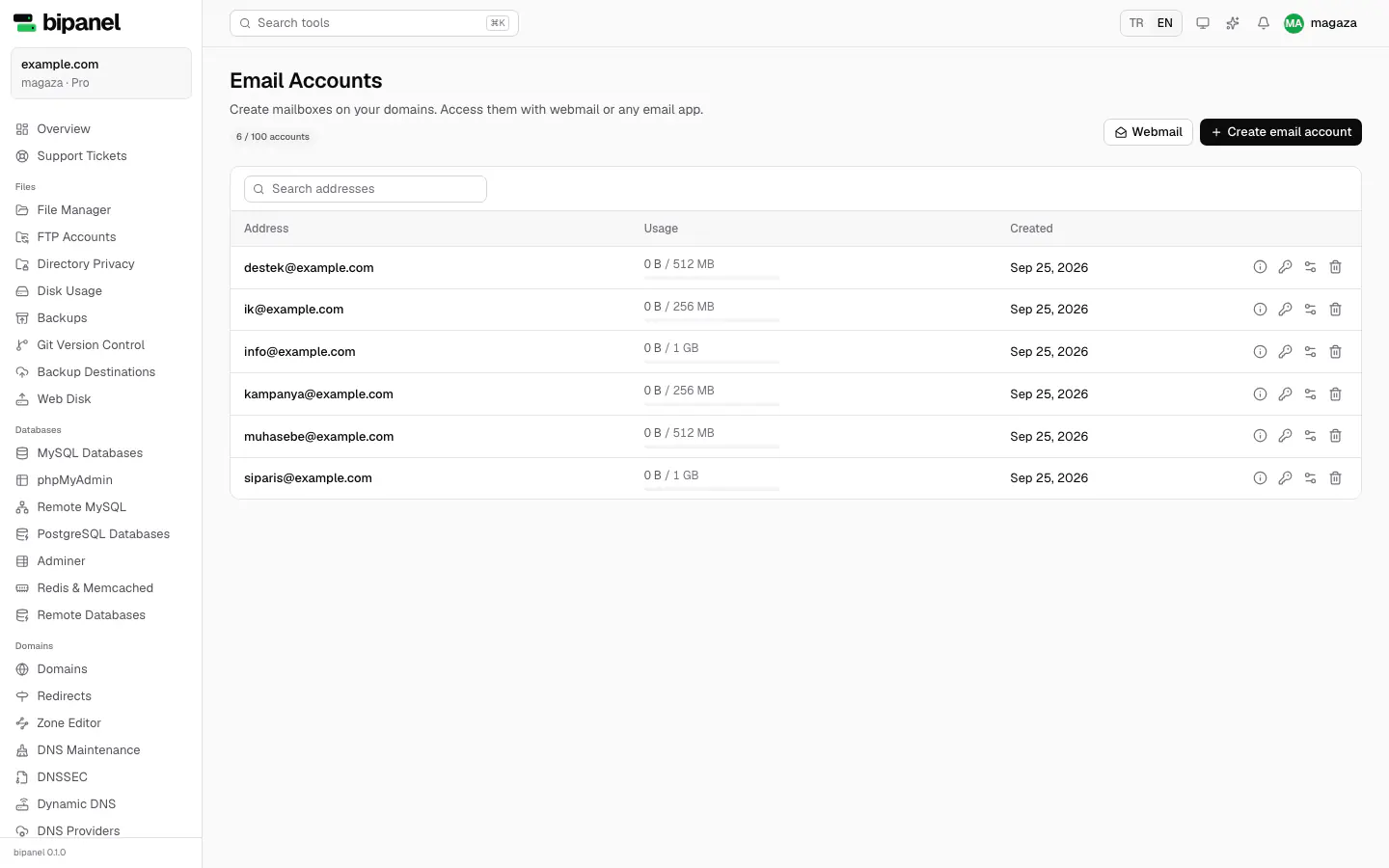
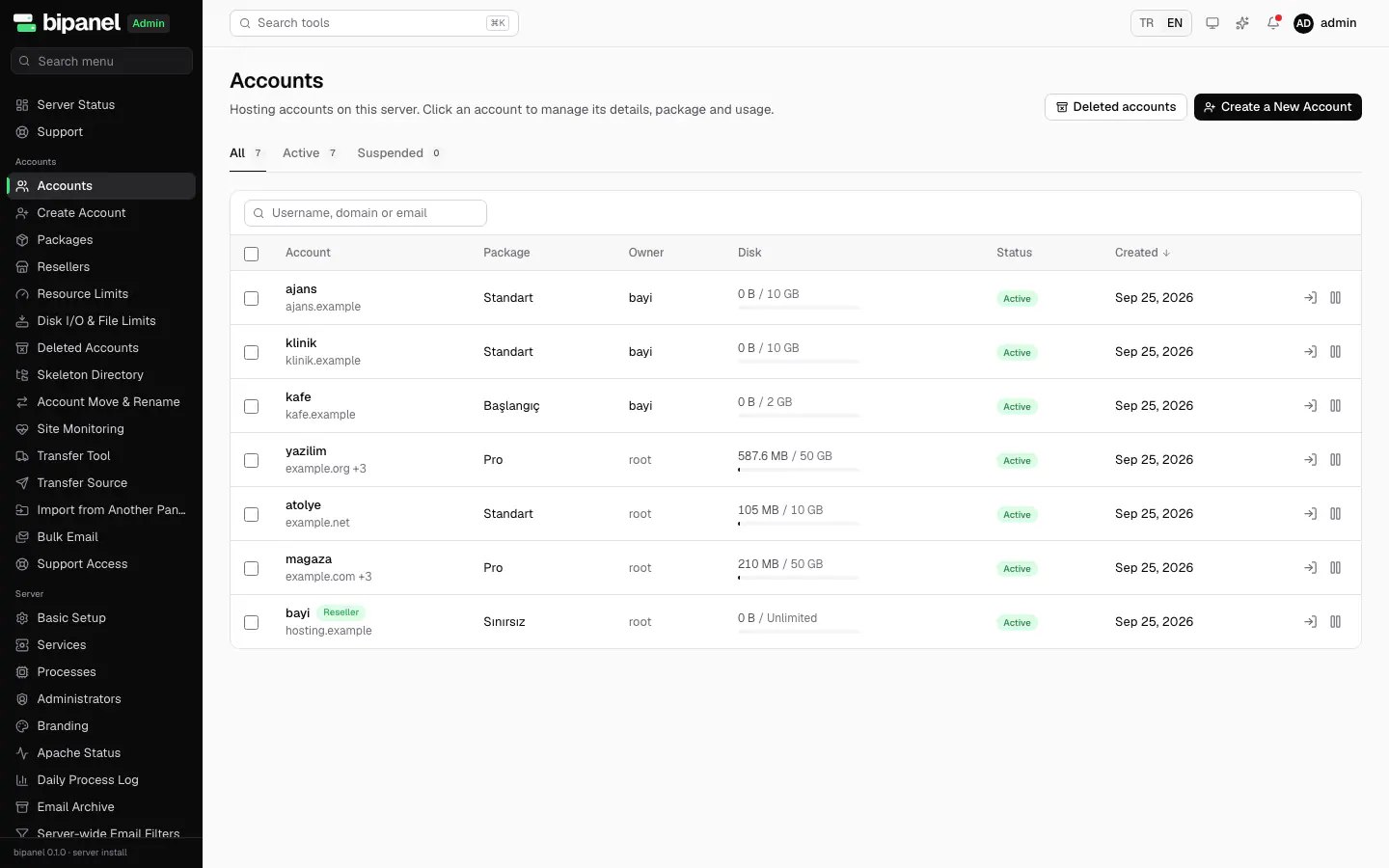
Open the admin and user panels on a live demo server and click around as much as you like.
Create accounts and packages, then explore server status, backups and vulnerability alerts.
Try the admin panel (opens in a new tab)Add domains, mailboxes and DNS records, and try the file manager and the app catalog.
Try the user panel (opens in a new tab)No sign-up needed · data resets every hour
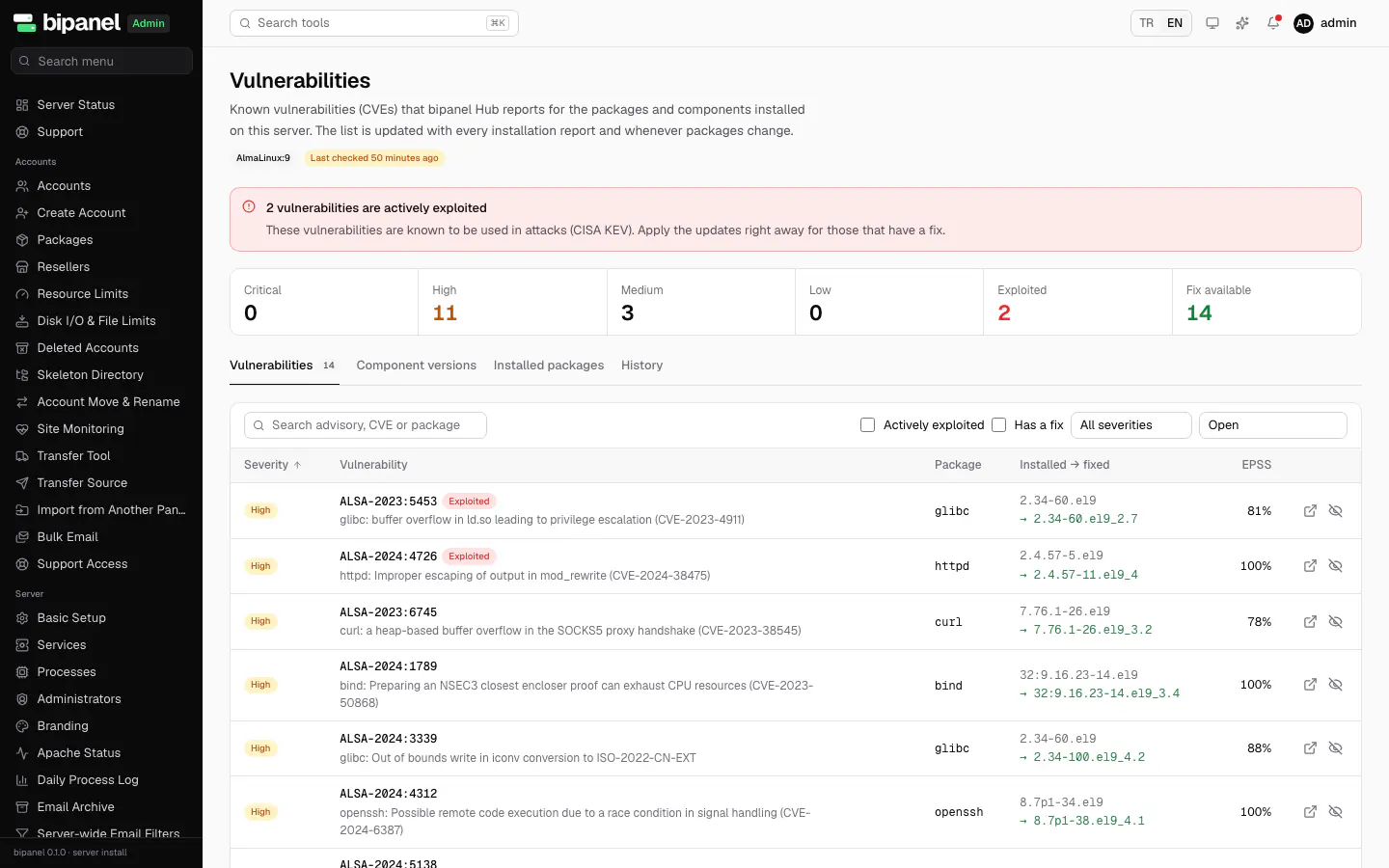
Every bipanel server reports its installed package versions, and we compare them with published vulnerabilities. When something affects your server, you see it in the panel and update in one click.
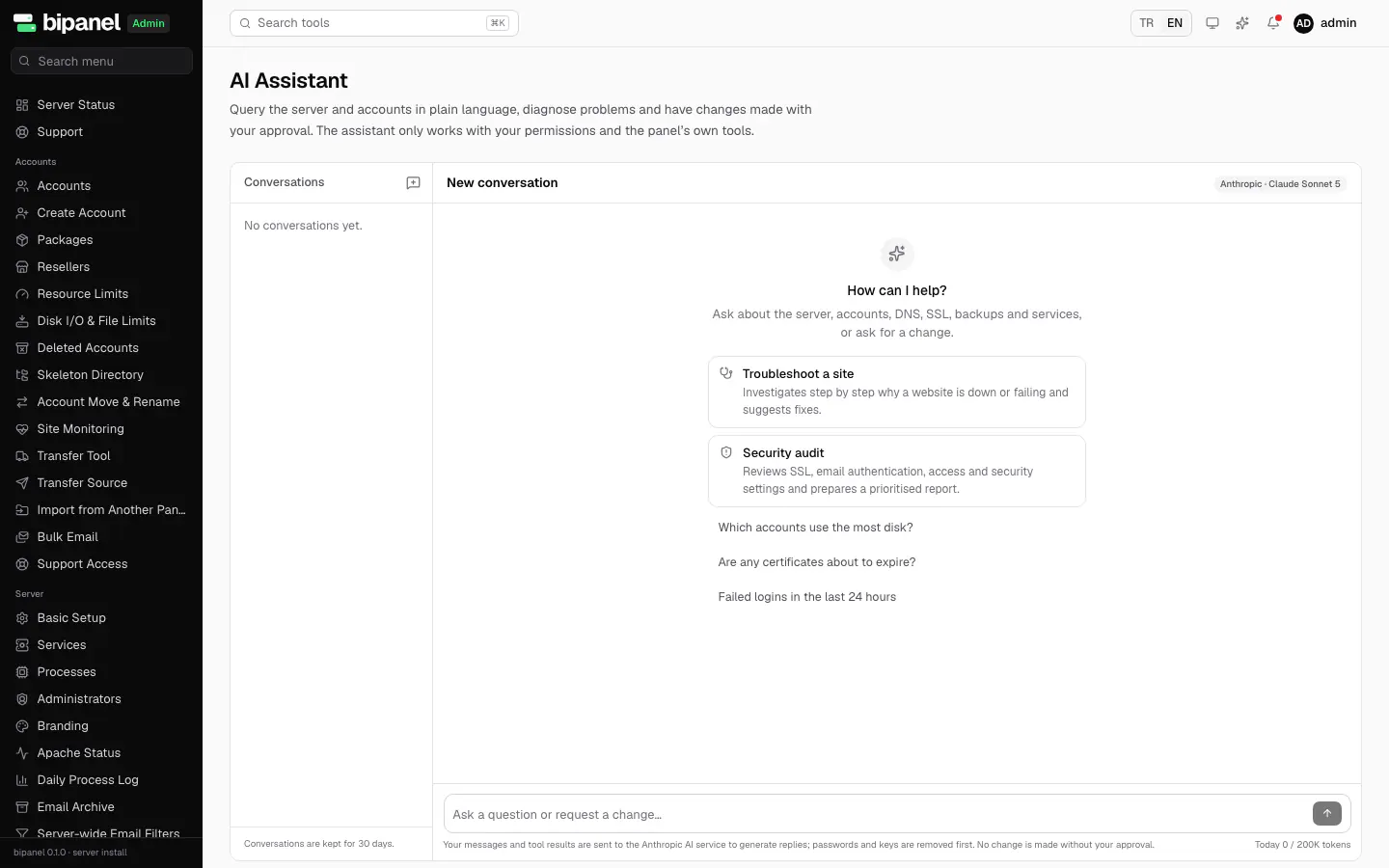
Ask about the server and accounts in plain language and have problems diagnosed. The assistant only uses the panel's own tools with your permissions, and you approve every step that changes something.
Questions you can ask
Snapshots store only what changed, stay encrypted and are copied to remote destinations such as S3, B2 or SFTP. Users restore a file, a database or a mailbox themselves. Move accounts live from another bipanel server, passwords included.
Backups and migration: all features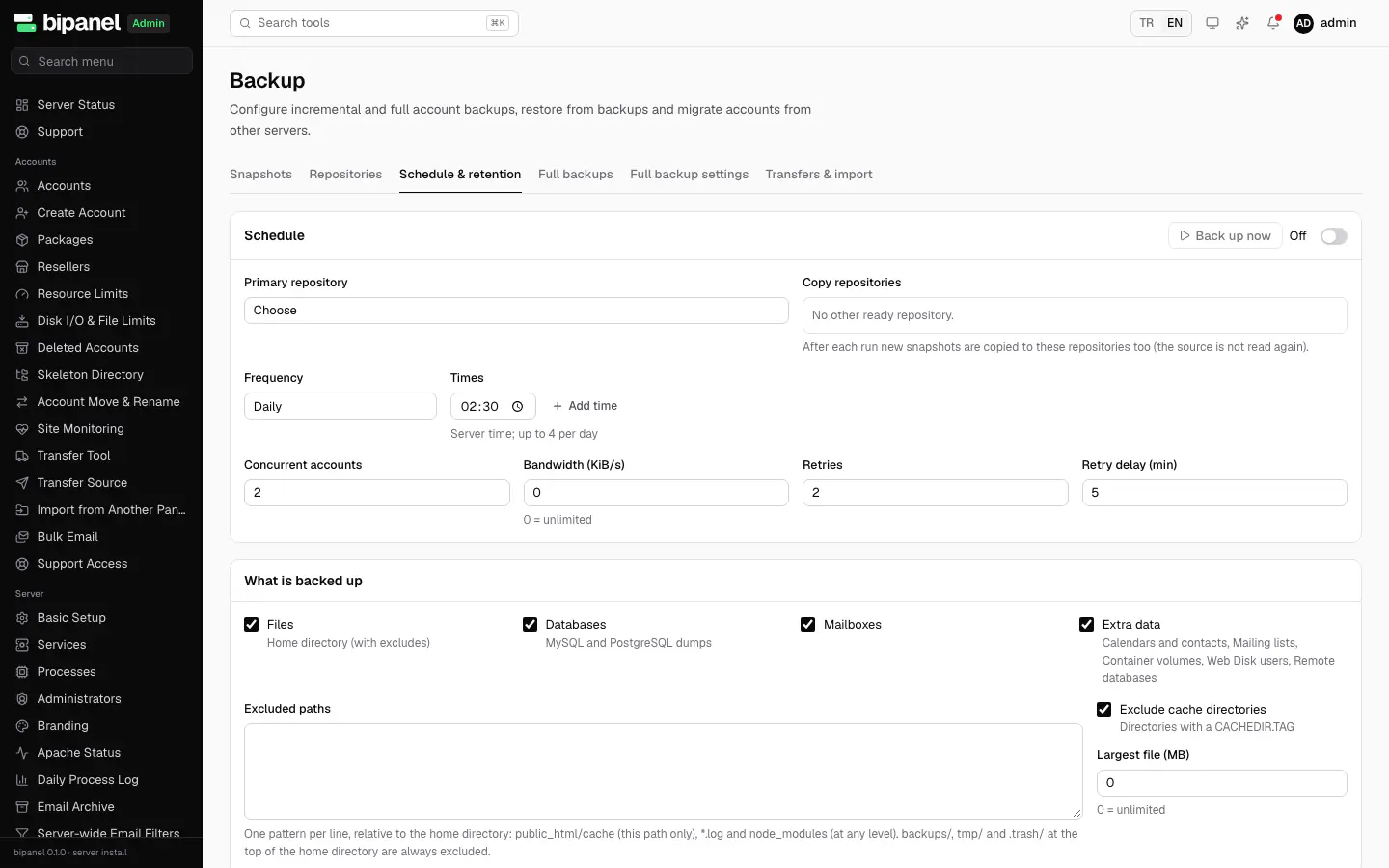
Multi-level resellers, a brand, logo and panel address per reseller, and light and dark themes. Resellers manage their sub-resellers, IP pools and own nameservers, and users pick from the themes you allow.
Resellers, teams and branding: all features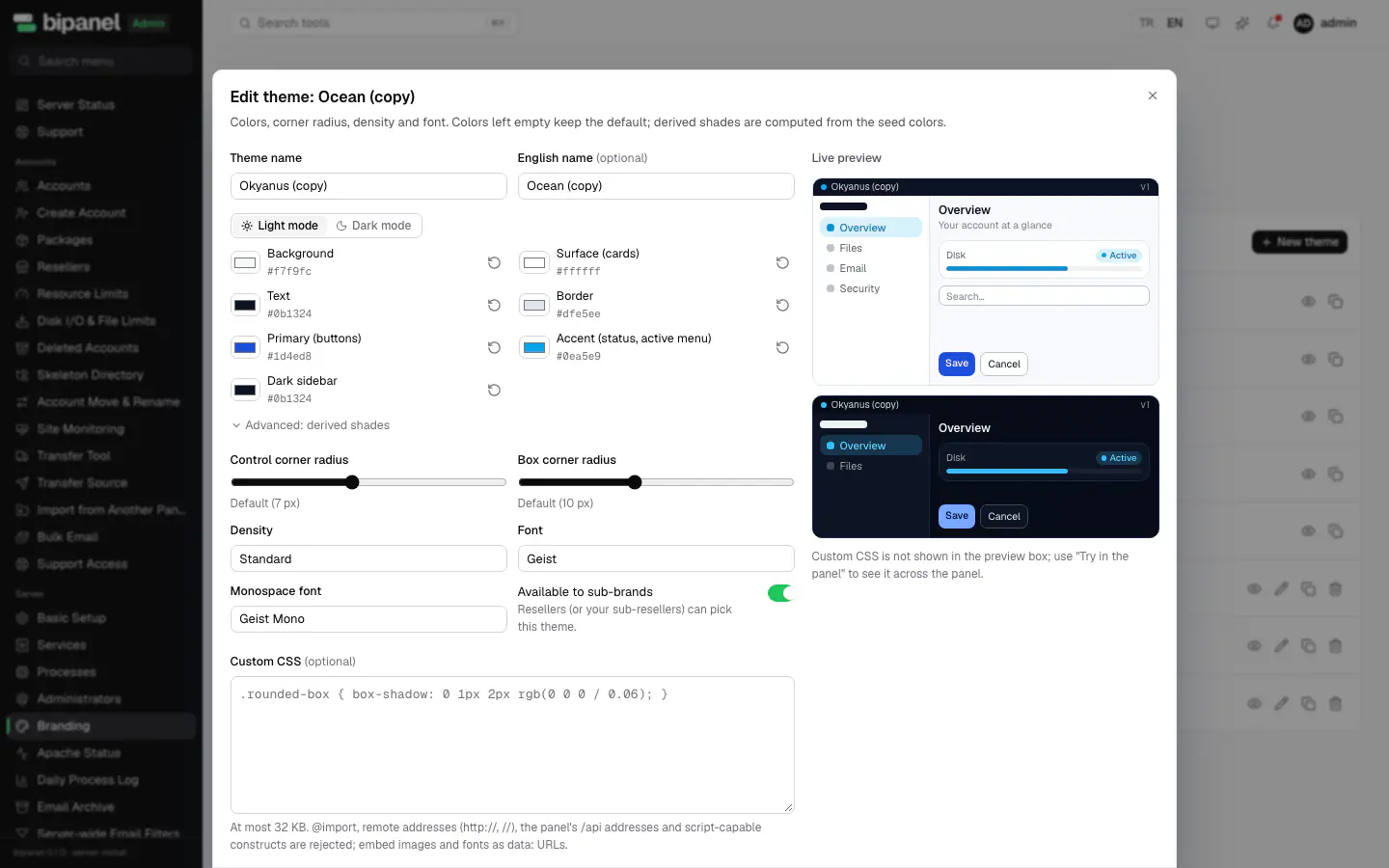
From WordPress to Moodle and from Next.js to Django, apps install in one click and update with a backup. Node.js, Python, Ruby, Go, Java and .NET apps run next to your PHP sites with zero-downtime deploys.
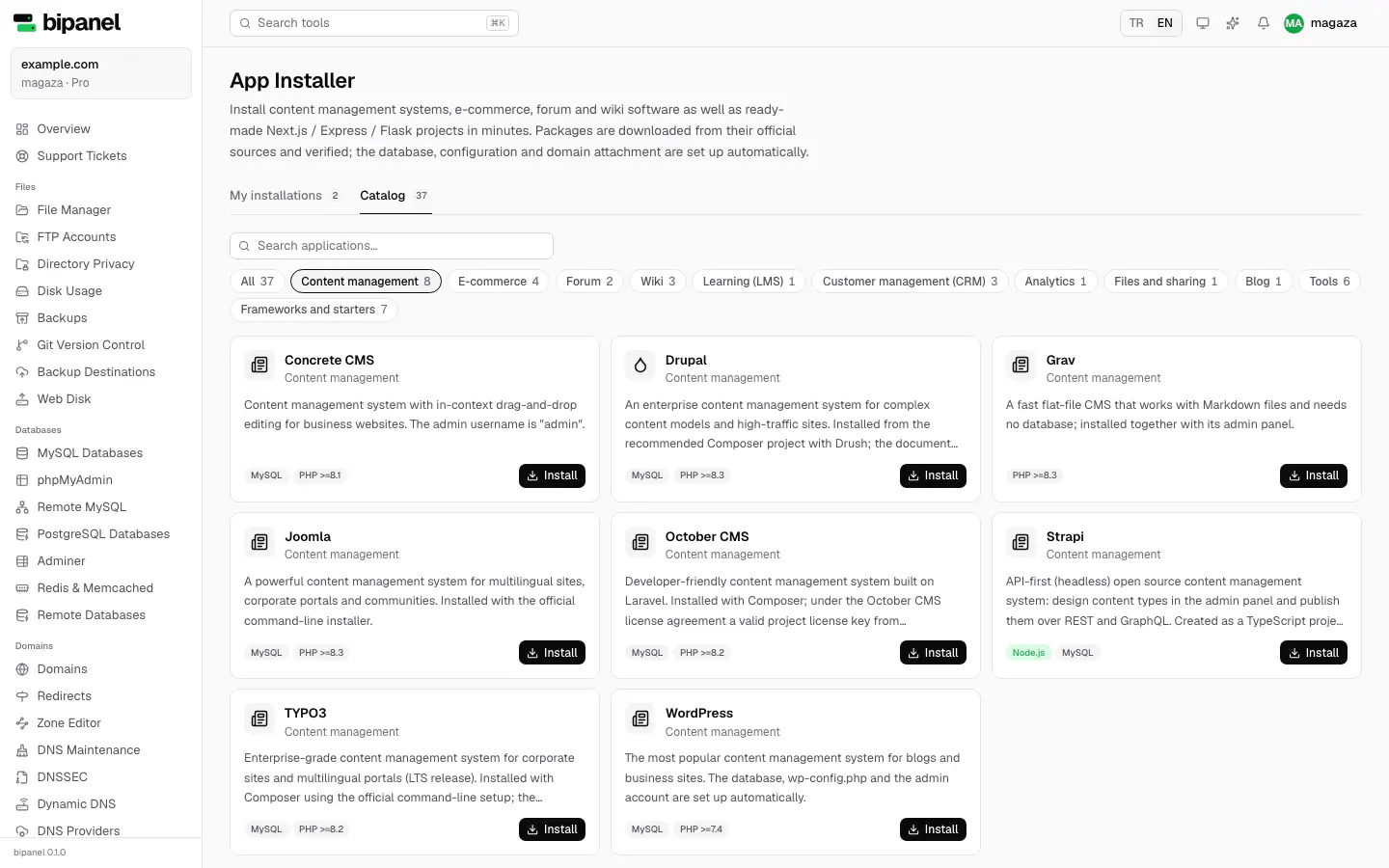
Every section shows what is Community and what is Pro, and which install method it works on.
The same code installs two ways. Pick the one that fits; your license works with all of them.
Installs on a clean Ubuntu, Debian, AlmaLinux, Rocky Linux or RHEL server with a single command. Everything works, including email, DNS, FTP, SSH, the firewall and automatic updates.
A single container on your own VPS or any Docker host, with Caddy in front issuing HTTPS for every domain. Web, database and app hosting.
| Feature | Server | Docker |
|---|---|---|
| Websites, PHP, MySQL, phpMyAdmin | ✓ | ✓ |
| Node.js, Next.js and Python apps | ✓ | ✓ |
| Mail server and webmail | ✓ | – |
| Authoritative DNS server | ✓ | ~ |
| FTP and SSH | ✓ | – |
| One-click automatic updates | ✓ | ~ |
| Vulnerability (CVE) alerts | ✓ | ~ |
Partial: in Docker, DNS records sync to Cloudflare, updates are a redeploy with the new image, and vulnerability alerts cover only bipanel's own components where the container has no package database.
With per-account pricing, the bill grows with your customer list. bipanel is licensed per server, so adding accounts never costs extra.
The Unlimited plan: unlimited accounts, one price per server (excl. tax).
Licenses are priced per server, so the bill doesn't climb with every account; Node.js, Next.js and Python apps work without add-ons; spam filtering, a web application firewall, malware scanning and vulnerability alerts need no extra products; the same panel runs on Ubuntu, Debian, AlmaLinux, Rocky Linux and RHEL, and in Docker; and updates arrive signed and roll back if something breaks. We list what we haven't built yet openly on the Why bipanel page.
Yes. The Community edition needs no license and gives you every core feature for up to 3 hosting accounts, including files, databases, email, DNS, apps, the security tools and vulnerability alerts. Pick a Pro plan for more accounts, resellers, white label, incremental and remote backups, live transfers, the AI assistant and clusters.
Server installs run on Ubuntu 22.04, 24.04 and 26.04, Debian 12 and 13, AlmaLinux 9 and 10, Rocky Linux 9 and 10, and RHEL 9 and 10. For a new server we recommend Ubuntu 24.04 LTS, or AlmaLinux 9 if you prefer the Red Hat family. On Enterprise Linux, SELinux stays in enforcing mode and the installer sets up the rules it needs. Both x86_64 and ARM64 (aarch64) are supported. We recommend 2 vCPUs and 4 GB of RAM. The Docker install runs on any Linux VPS with Docker Engine 24+.
Every bipanel server regularly reports the versions of its installed packages, and we compare them with published vulnerabilities (CVEs and distribution advisories). When something affects your server, the admin panel lists it with its severity, the fixed version and exploit data, and critical items arrive as notifications. You apply the update with apt or dnf in one click. It works the same in the Community and Pro editions.
The Community edition is free; move to Pro when you grow. No card required.
curl -fsSL https://bipanel.io/install.sh | sudo bash -s -- --hostname server.example.com --email [email protected]