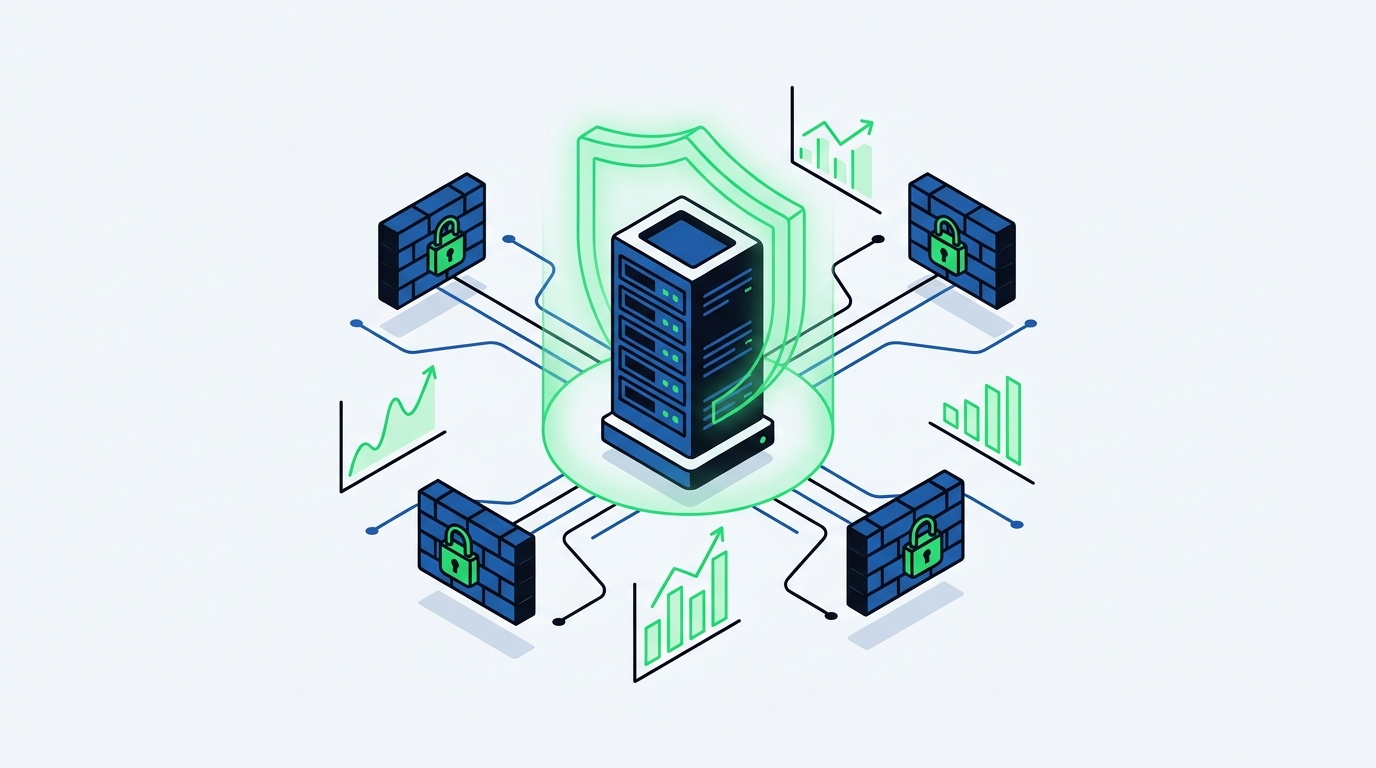
Linux VPS Security Settings: Ubuntu 24.04 & CrowdSec
Practical Linux VPS security settings for a new Ubuntu 24.04 server. Protect your system with UFW, CrowdSec, ModSecurity, and automatic CVE alerts.
When you rent a new server, applying your Linux VPS security settings is the first thing you should do. A clean Ubuntu 24.04 LTS server exposed to the internet becomes a target for automated bots and vulnerability scanners within minutes of going online. This guide provides a practical security checklist, from basic operating system hardening to the UFW firewall, CrowdSec, ModSecurity, and automatic CVE alerts.
Server security is not a one-time setup; it is an ongoing process. With traditional hosting panels, you often have to hunt for third-party plugins or spend hours on the command line to secure your system. However, a properly configured server blocks outside attacks and isolates your applications from one another, stopping a potential breach from spreading.
1. Basic OS and SSH Hardening
The first thing to do when you get a new server is to update the packages and harden SSH access. Logging in with a root password leaves an open door for brute-force attacks.
Updating Packages
Before starting any installations on Ubuntu 24.04 LTS, make sure the system has the latest patches:
apt update && apt upgrade -yHardening SSH Access
You should edit the SSH configuration file to disable password logins and only allow access via SSH keys. Open /etc/ssh/sshd_config with your favorite text editor (like nano or vim):
nano /etc/ssh/sshd_configFind the following lines and change or add them to match this:
PermitRootLogin prohibit-password
PasswordAuthentication no
X11Forwarding no
After making the changes, restart the SSH service:
systemctl restart sshNow your server can only be accessed from devices that have the pre-configured SSH key. If you use bipanel, you can manage SSH keys per account directly from the user or admin panel, and choose to run SSH access in an isolated jailed shell for each account.
2. Network Security: UFW and Fail2Ban
Your system should only expose the ports it actually needs to the outside world. On Ubuntu and Debian systems, UFW (Uncomplicated Firewall) is the most practical way to manage network traffic.
UFW Rules
First, set the default policies and allow the basic web and SSH ports:
ufw default deny incoming
ufw default allow outgoing
ufw allow 22/tcp
ufw allow 80/tcp
ufw allow 443/tcp
ufw enable
If you are going to install bipanel, the installation script configures the right firewall for your distribution automatically (UFW on the Debian family, firewalld on Enterprise Linux) and always allows SSH first so you never lock yourself out.
Brute-Force Protection with Fail2Ban
Fail2Ban watches your server's log files to detect failed login attempts and temporarily bans the attacker's IP address. It is a critical tool for stopping brute-force attacks on SSH, FTP, or web panel logins.
bipanel provides brute-force protection out of the box. IP bans trigger automatically after failed logins. You can also require two-factor authentication (TOTP) for admins and resellers to secure the panel itself.
3. Active Defense: CrowdSec Integration
Fail2Ban only reacts to attacks it sees on your own server. Because modern botnets constantly rotate their IP addresses, you need a smarter solution. This is where CrowdSec comes in.
CrowdSec is a behavior-based, community-driven security tool. It gathers attack data from servers around the world and blocks malicious IP addresses before they even reach your server.
- Behavior Analysis: It catches not just failed password attempts, but also port scans and HTTP-level anomalies.
- Community Blocklists: Even if an attacker has never targeted your server, their IP is blocked if they were caught attacking someone else in the network.
bipanel ships with CrowdSec installed and configured by default. Decisions are enforced directly in the firewall, and if your site is behind a CDN like Cloudflare, blocks are applied at the web server level (Nginx/Apache) so the real visitor's IP is evaluated.
4. Web Application Firewall (WAF): ModSecurity
You have protected the operating system and the network layer, but what about your web applications? Coding mistakes in WordPress, Laravel, or custom PHP/Node.js projects can open the door to SQL injection (SQLi) or cross-site scripting (XSS) attacks.
ModSecurity works with the OWASP Core Rule Set (CRS) to inspect HTTP traffic and drop malicious requests before they reach the web server.
Managing ModSecurity is incredibly easy in bipanel:
- The managed OWASP rule set is updated automatically.
- You can choose the WAF mode (Off, Detect Only, or Block) per domain.
- If you hit a false positive, you can add a one-click rule exclusion straight from the event log.
- In the Pro edition, custom ModSecurity rules pass a configuration test before they are applied, preventing web server crashes.
5. Malware and File Integrity Scanning
If a malicious file somehow makes it onto your server (for example, through an FTP account with a weak password or an outdated plugin), you need to know immediately.
bipanel scans for malware using 64 heuristic rules plus ClamAV. Detected files are quarantined. If you use bipanel Pro, file integrity monitoring (FIM) alerts you to unexpected changes in PHP, JS, and .htaccess files, allowing you to restore them from a backup instantly.
6. Automatic Vulnerability (CVE) Alerts
One of the hardest jobs for a system administrator is keeping track of new security vulnerabilities (CVEs) in installed software like OS packages, PHP, databases, and web servers. Dozens of new vulnerabilities are published every day.
bipanel automates this process entirely. The installed package versions on every bipanel server are continuously compared against published vulnerabilities.
- Severity and Exploit Data: When a vulnerability affects your server, it is listed with its CVSS score, known exploitation (KEV) status, and exploit likelihood (EPSS).
- Critical Notifications: When a new critical or actively exploited item is found, admins are notified by email and a warning badge appears on the dashboard.
- One-Click Fixes: Operating system packages are updated with apt or dnf in a single click right from the panel.
This feature works by default on all bipanel installations, including the free Community edition, with nothing extra to set up.
7. Account Isolation and Resource Limits
On a shared hosting server, one hacked site should never affect the others. Solid isolation is mandatory.
- File System Isolation: Each account runs as its own system user. Its PHP-FPM pool is locked to the home directory with
open_basedir, and commands run without a shell. - Resource Limits (cgroup v2): You can set per-account CPU, memory, and process limits to stop a runaway application from consuming all the server's RAM.
- Advanced Sandboxing: In the bipanel Pro plan, each account's PHP-FPM and app processes run in systemd namespaces, providing full OS-level isolation.
8. Continuous Auditing with the Security Advisor
Setting up your security once and forgetting about it is risky. The Security Advisor inside bipanel regularly audits your server against 38 different criteria.
It finds issues like open ports, weak passwords, missing PHP security settings, or outdated WordPress sites. It gives you a severity-weighted security score and lets you apply reversible, one-click fixes for most of the problems it finds.
Conclusion
The Linux VPS security settings covered in this guide are the minimum requirements for a modern server to survive internet threats. Installing, configuring, and maintaining UFW, Fail2Ban, CrowdSec, ModSecurity, ClamAV, and CVE tracking manually takes serious time and effort.
If you would rather focus on your websites than manage these processes by hand, you can install bipanel on a clean Ubuntu 24.04 LTS server with a single command. bipanel sets up your web server, databases, email, DNS, and all the security layers we mentioned according to best practices.
Visit our Download (/en/download) page to try the Community edition, which is completely free for up to 3 hosting accounts. For unlimited accounts, advanced remote backups, reseller management, and the AI assistant, check out our Pro plans on the Pricing (/en/pricing) page.
Frequently asked questions
What is the very first thing to do for Linux VPS security?
When you rent a new Linux VPS, the first step is to update your operating system packages and harden SSH access. You should disable password logins for the root user and ensure the server can only be accessed using an SSH public key.
Do UFW and Fail2Ban work together?
Yes, they work together perfectly. UFW (Uncomplicated Firewall) sets the base rules for which ports are exposed to the outside world. Fail2Ban watches your log files to detect IP addresses performing brute-force attacks and temporarily blocks them using UFW.
What is the difference between CrowdSec and Fail2Ban?
Fail2Ban only watches local logs to block attackers targeting your specific server. CrowdSec is a global threat intelligence network; it uses community blocklists to stop malicious IP addresses that have attacked other servers around the world before they even reach yours.
How can I track security vulnerabilities (CVEs) on my server?
Traditionally, you have to monitor security bulletins and OS announcements manually. However, if you use bipanel, your installed packages are automatically compared against published CVEs. You are alerted via email when a critical vulnerability is found and can apply the update in one click from the panel.
Does ModSecurity (WAF) slow down my website?
When configured correctly, ModSecurity does not cause a noticeable slowdown. The OWASP rule set protects your site from common attacks like SQL injection and XSS. In bipanel, you can toggle the WAF mode per domain and add exclusions for false positives with a single click.
Read this article in Turkish: Linux VPS Güvenlik Ayarları: Ubuntu 24.04, UFW ve CrowdSec
Why Emails Go to Spam: A Guide to SPF, DKIM and DMARC
The main reason emails go to spam is missing DNS configuration. Learn how to improve deliverability with proper SPF, DKIM, and DMARC settings.

cPanel Alternative: Migration and Cost Guide for Agencies
Escape per-account licensing costs. Discover how to grow your agency and migrate easily with bipanel, a per-server licensed cPanel alternative.